
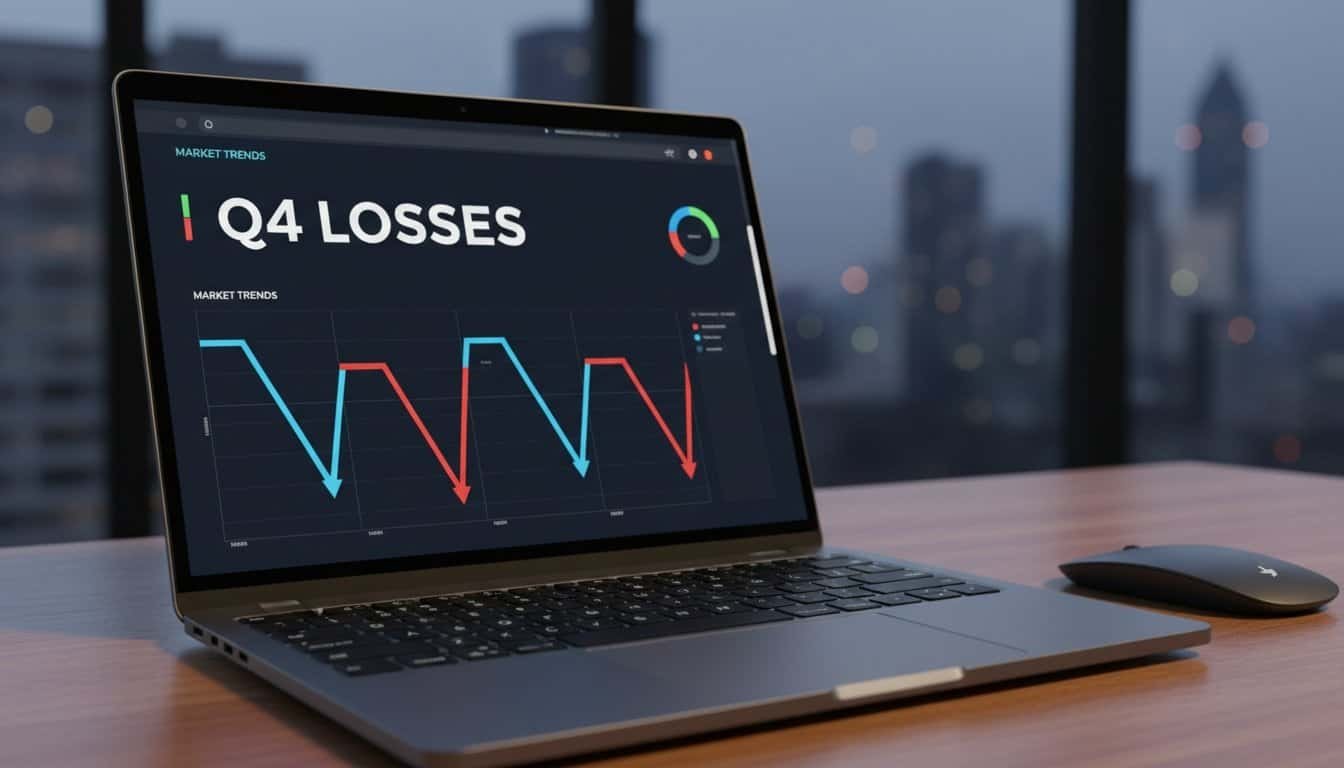
Your WordPress redesign destroys traffic because you’re breaking 301 redirects, triggering crawl errors, and tanking Core Web Vitals scores. Google can’t find your high-performing pages through broken internal links, while heavy JavaScript pushes LCP above 2.5 seconds. Missing redirects dilute PageRank equity, duplicate content creates indexing conflicts, and poor migration planning wastes crawl budget on 404 errors. Most sites experience 5-10% dips, but these technical mistakes amplify losses to catastrophic levels that require systematic recovery strategies.
Key Takeaways
- Missing 301 redirects from old to new URLs cause traffic loss and create 404 errors that block user access.
- Core Web Vitals deteriorate when heavy JavaScript, render-blocking elements, and large images increase loading times beyond acceptable thresholds.
- Poor migration planning fails to preserve URL structures, internal linking, and on-page SEO elements like optimized title tags.
- Content reorganization without proper audits leads to duplicate pages, indexing conflicts, and loss of topical authority signals.
- Performance degradation from plugin bloat, outdated PHP versions, and inadequate caching destroys previously optimized site speed metrics.
How To Diagnose Your WordPress Redesign Traffic Drop?

When your WordPress redesign launches and traffic plummets overnight, you need systematic data analysis to pinpoint the exact cause before implementing fixes.
Start with Google Search Console and Analytics to correlate traffic drops with impression declines. Compare pre- and post-redesign keyword rankings for high-traffic terms. Check coverage reports for crawl errors and indexation issues that block topic visibility.
Audit your on-page SEO elements next. Verify title tags, meta descriptions, and heading structures match pre-redesign versions. Confirm internal linking preservation and metadata consistency through Yoast or Rank Math plugins.
Evaluate technical performance using GTmetrix and PageSpeed Insights. Sites achieving “A” grades boost traffic 85% within three months. Small 5-10% drops commonly resolve as search engines recrawl redesigned pages.
Don’t engage in irrelevant discussion about content quality yet. Focus on Core Web Vitals metrics, SSL redirect implementation, and navigation changes that may hinder Google’s crawling efficiency during your diagnostic phase. Heavy JavaScript elements from modern designs can significantly impact download speed, parsing time, and execution performance during page loads.
URL Changes And Content Migration Mistakes That Kill Rankings
Your diagnostic analysis reveals the traffic drop’s source, but URL changes and content migration errors represent the most devastating culprits behind ranking destruction. These SEO pitfalls create cascading failures that demolish years of organic growth through design tradeoffs.
The most critical migration mistakes include:
- Missing 301 Redirects – Unredirected URLs cause 45% average traffic loss and create 404 errors that spike bounce rates while destroying user experience.
- PageRank Dilution – 301 redirects lose up to 30% PageRank value, while backlinks lose equity without proper redirects, weakening your site’s authority foundation.
- Duplicate Content Creation – Google indexes both old and new pages simultaneously, creating duplicates that cause 32% traffic loss during page merges and confuse site hierarchy.
- Crawl Budget Waste – Search engines require months to recrawl new URLs, with recovery taking weeks to years depending on implementation quality and site complexity.
Technical Performance Issues Sabotaging Your Redesigned Site
Why do redesigned WordPress sites experience catastrophic performance drops despite investing thousands in visual improvements? Your design changes trigger technical failures that destroy user experience and search rankings.
Your expensive WordPress redesign becomes a performance disaster that obliterates user experience and tanks search rankings overnight.
LCP degradation becomes your primary enemy when hero images and render-blocking JavaScript push loading time beyond 2.5 seconds. Your product images explode by 30-100% during redesigns, while legacy JPG formats add 200-600ms compared to WebP conversion.


JavaScript execution problems multiply when you accumulate render-blocking scripts. Third-party widgets and plugin bloat from page builders like Elementor create 3.6-second LCP disasters. WooCommerce script overhead adds 250-600KB weight, destroying your Time to Interactive metrics.
Server configuration deficiencies compound these issues. Without Redis caching, your TTFB increases by 300-900ms. Running outdated PHP versions below 8.4+ elevates server response times dramatically.
INP delays exceed 200ms when heavy DOM elements overwhelm your redesigned architecture, creating user interaction nightmares that Google penalizes severely.
WordPress-Specific Risks And Recovery Strategies
How can WordPress sites avoid the technical pitfalls that transform visual improvements into traffic disasters? WordPress redesigns carry platform-specific vulnerabilities that require targeted prevention strategies, especially when switching themes or migrating to headless configurations.
WordPress-Specific Recovery Protocol:
- Conduct comprehensive pre-launch SEO audits documenting existing URL structures, content hierarchies, and high-performing pages before making changes
- Implement platform-specific migration checklists covering WordPress redirects, sitemap updates, and theme transition requirements
- Monitor Google Search Console and Analytics for immediate post-launch KPI tracking, focusing on pages that previously drove targeted audience engagement
- Execute strategic content audits preserving SEO equity while eliminating any unrelated topic dilution that weakens your site’s topical authority
WordPress migrations naturally experience 5-10% traffic dips resolving within weeks through search engine recrawling. However, proper audience targeting preservation and technical execution minimize recovery time while protecting your organic visibility investment.
Frequently Asked Questions
How Long Should I Wait Before Panicking About Traffic Drops After Redesign?
Wait 2-4 weeks before panicking about traffic drops after your redesign. Small drops of 5-10% typically resolve naturally as Google recrawls your site. However, don’t wait if drops exceed 10% or persist beyond this timeframe. Your rebranding timing matters—larger sites need longer recovery periods.
Consider implementing a staged rollout next time to minimize risk and monitor traffic patterns more effectively during transitions.
Can I Prevent Traffic Loss by Doing Redesign in Stages Instead?
Yes, you’ll substantially reduce traffic loss through staged rollout implementation. Deploy changes incrementally—redesign individual pages or sections weekly rather than launching everything simultaneously. This approach prevents the 5-10% traffic drops from becoming catastrophic losses. Monitor user behavior metrics after each stage, allowing Google to recrawl and reindex gradually. You’ll maintain domain authority while identifying issues before they affect your entire site’s search visibility.
Should I Inform Google About My Redesign Through Search Console?
Yes, you should inform Google about your redesign through Search Console. Submit your updated sitemap immediately and use the URL Inspection tool to request indexing for critical pages. This accelerates recrawling and prevents duplicate content issues during transitionS.

Monitor the coverage report for crawl errors and track indexing status post-submission. While ranking fluctuations are expected, Search Console notification speeds recovery significantly.
Will Changing My Domain Name During Redesign Cause Additional Traffic Loss?
Yes, changing domain during redesign will cause additional traffic loss beyond typical redesign drops. You’ll face compound risks from both content changes and domain migration.
Expect 50-90% traffic drops even with perfect 301 redirects, as search engines need time to transfer authority.
Focus on implementing thorough 301 redirects for every URL and preserving site structure.
Recovery typically takes 6-18 months for domain migrations.
How Much Traffic Loss Is Considered Normal Versus Catastrophic After Redesign?
Normal traffic drops of 5-10% are expected as search engines reindex your redesigned site, typically recovering within weeks. However, catastrophic losses exceeding 20% indicate serious technical problems affecting site performance and user engagement.
Sharp ranking disappearances, 404 errors, or domain authority declines signal broken redirects, deleted pages, or compromised SEO elements. You’ll need immediate intervention when traffic drops surpass the 10-20% threshold to prevent permanent visibility loss.
Conclusion
You’ve identified the essential failure points that destroy WordPress redesign traffic. Monitor your URL structures, implement proper 301 redirects, and audit technical performance metrics immediately. Don’t let migration errors compound—track Core Web Vitals, crawl errors, and indexation issues daily. Your recovery speed determines long-term SEO impact. Execute systematic diagnostics, prioritize high-traffic page preservation, and maintain consistent monitoring protocols. WordPress-specific vulnerabilities require targeted technical interventions to restore organic visibility and prevent permanent ranking losses.
Table of Contents
- 1 Key Takeaways
- 2 How To Diagnose Your WordPress Redesign Traffic Drop?
- 3 URL Changes And Content Migration Mistakes That Kill Rankings
- 4 Technical Performance Issues Sabotaging Your Redesigned Site
- 5 WordPress-Specific Risks And Recovery Strategies
- 6 Frequently Asked Questions
- 6.1 How Long Should I Wait Before Panicking About Traffic Drops After Redesign?
- 6.2 Can I Prevent Traffic Loss by Doing Redesign in Stages Instead?
- 6.3 Should I Inform Google About My Redesign Through Search Console?
- 6.4 Will Changing My Domain Name During Redesign Cause Additional Traffic Loss?
- 6.5 How Much Traffic Loss Is Considered Normal Versus Catastrophic After Redesign?
- 7 Conclusion









No Comments