
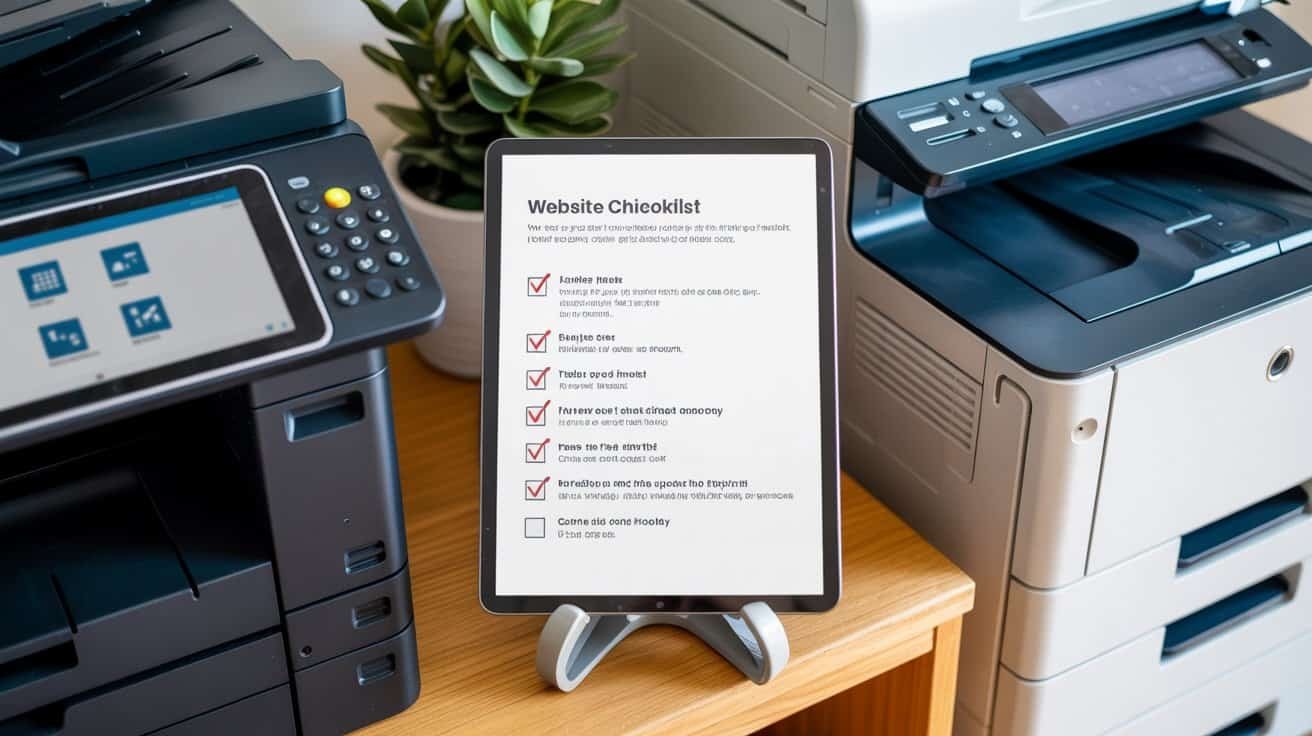
Your printing shop’s website needs mobile-responsive design with under 3-second load times, thorough service listings with transparent pricing, and secure file upload capabilities supporting PDFs up to 500MB. Include a professional portfolio showcasing print quality, prominent contact information with Google Maps integration, customer testimonials with star ratings, and local SEO optimization for your service area. Implement secure payment processing, real-time order tracking, and automated quotation systems. The complete framework below covers every essential element for converting visitors into customers.
Key Takeaways
- Ensure mobile-responsive design with fast loading speeds under 3 seconds and optimized Core Web Vitals for seamless user experience.
- Display comprehensive service listings with detailed pricing breakdowns, bulk discounts, and automated quotation systems for transparent ordering.
- Implement secure file upload functionality supporting PDFs, Word documents, and images up to 500MB with drag-and-drop capabilities.
- Integrate secure payment processing with SSL certificates, PCI DSS compliance, and multiple payment options including credit cards and PayPal.
- Showcase professional portfolio samples, customer testimonials with star ratings, and optimize local SEO for enhanced business visibility.
Mobile-Responsive Design and Cross-Device Compatibility
Since most customers will access your printing shop’s website through their smartphones while searching for quick services or checking pricing on-the-go, your site must deliver a seamless experience across all devices.
Mobile-first design isn’t optional for printing businesses—it’s essential when customers need quick quotes and instant service access.
Your website’s layout should automatically adjust to different screen sizes, ensuring buttons and navigation menus remain easily accessible on tablets and phones. Test your site’s performance on various devices to identify potential display issues or slow loading times that could frustrate customers.
Implement responsive typography that scales appropriately across devices, making text readable without zooming. Your font sizes should remain legible on smaller screens while maintaining professional appearance on desktop computers.
Optimize touch interactions for mobile users by ensuring buttons are large enough for finger navigation and properly spaced to prevent accidental clicks. File upload features for print jobs must function smoothly on touchscreen devices.
Consider how customers will browse your services, upload documents, and place orders through different devices to create an intuitive user experience.
Fast Loading Speed and Performance Optimization
Your printing shop’s website speed directly impacts customer satisfaction and conversion rates, with studies showing that users abandon sites loading slower than three seconds. Performance optimization becomes crucial when showcasing large print samples and portfolio images.
Implement effective cache strategies to reduce server load and improve repeat visitor experience. Browser caching stores static resources locally, while server-side caching handles dynamic content efficiently. Image compression is essential since print shops display high-resolution samples that can markedly slow loading times.
| Performance Factor | Optimization Target |
|---|---|
| Page Load Time | Under 3 seconds |
| Image File Size | 150KB maximum |
| Cache Duration | 30 days minimum |
| Core Web Vitals | Green scores |
| Mobile Speed | 2 seconds maximum |
Optimize your content delivery network, minify CSS and JavaScript files, and compress images without sacrificing quality. Use WebP format for better compression rates while maintaining visual clarity for your printing samples.
Clear Service Listings and Detailed Pricing Information
When customers visit printing and photocopy shop websites, they’re actively seeking specific services and transparent pricing before making contact or visiting your location. You’ll need exhaustive service listings that detail every offering, from basic black-and-white copies to specialized binding options, large-format printing, and lamination services.


Structure your pricing clearly with detailed breakdowns for different quantities, paper types, and finishing options. Implement tiered packages that bundle popular services together, making it easier for customers to understand value propositions. Include turnaround guarantees for each service level, specifying exact completion times for rush jobs versus standard orders.
Display pricing tables that show bulk discounts and minimum order requirements. Add clear descriptions of file format requirements, resolution specifications, and any additional fees for design work or special materials. This transparency builds trust and reduces back-and-forth communication, streamlining your sales process.
Professional Portfolio and Sample Work Gallery
You’ll need to showcase your printing capabilities through a thorough portfolio that demonstrates your shop’s quality and range of services.
Organize your sample work into distinct categories like business cards, brochures, banners, and large-format prints so potential customers can quickly locate relevant examples.
Display high-resolution images that clearly show print quality, color accuracy, and finishing details to build confidence in your professional capabilities.
High-Quality Work Examples
Since potential customers can’t physically touch or examine your work before placing an order, displaying high-quality examples becomes your most powerful sales tool.
Showcase diverse printing projects that demonstrate your capabilities across different materials and formats. Include close-up shots that highlight color consistency across multiple pieces, showing clients you maintain professional standards throughout production runs. Capture detailed images of print textures on various substrates like canvas, glossy paper, and specialty materials to help customers visualize final results.
Upload high-resolution photos that accurately represent your finished products. Document complex projects like multi-page brochures, large-format banners, and specialty finishes. Include before-and-after comparisons for restoration work.
Organize examples by category—business cards, posters, booklets—making it easy for visitors to find relevant samples that match their specific printing needs.
Organized Project Categories
While high-quality examples capture attention, strategic organization transforms your portfolio into a powerful navigation tool that guides customers directly to relevant services.

Create distinct categories that mirror your actual service offerings. Business customers shouldn’t wade through wedding invitations to find corporate brochures. Organize projects by industry, document type, or service complexity. This streamlined approach reduces bounce rates and increases conversion potential.
Your categorization system should reflect seasonal promotions and accommodate staff training needs. When employees can quickly locate relevant examples during customer consultations, they’ll demonstrate expertise more effectively.
- Service-Based Categories: Group by printing services (business cards, banners, booklets) rather than generic themes
- Industry-Specific Sections: Separate healthcare, retail, education, and restaurant materials for targeted browsing
- Seasonal Collections: Feature holiday marketing materials, back-to-school campaigns, and quarterly business promotions
Easy-to-Find Contact Information and Location Details
Customers drop by printing shops expecting quick service, which means they need to locate your business effortlessly and contact you without hassle. Place your phone number, address, and hours prominently in your website header and footer. Include multiple contact methods—landline, mobile, email, and online chat if available.
Create a dedicated contact page with detailed directions using local landmarks like “across from City Hall” or “next to the Starbucks on Main Street.” Add a Google Maps embed showing your exact location and nearby parking options. List emergency contacts for after-hours rush jobs, as clients often need last-minute printing services.
Display your business hours clearly on every page, noting any holiday schedules or extended hours during busy seasons. Include your physical address in a format that’s mobile-friendly for GPS navigation. Consider adding photos of your storefront to help customers identify your location quickly when they arrive.
Online Ordering and File Upload Capabilities
Setting up robust online ordering transforms your printing shop from a walk-in-only business into a 24/7 service hub that captures orders even when you’re closed.
Online ordering eliminates the limitations of business hours, allowing your printing shop to generate revenue around the clock.
Your upload system should handle multiple file formats including PDF, Word, PowerPoint, and image files up to 500MB. Implement drag-and-drop functionality with progress bars showing upload status.
Essential features include:
- Automated quotation system that calculates pricing based on paper size, quantity, binding options, and finishing services
- Order tracking portal where customers monitor job progress from submission through completion with email notifications
- Bulk templates gallery showcasing pre-designed options for business cards, flyers, and brochures that customers can customize
Integrate secure payment processing with multiple options including credit cards, PayPal, and business accounts.
Add specification fields for paper weight, color preferences, and delivery instructions.

Include file preview capabilities so customers confirm their uploads appear correctly before finalizing orders.
Customer Reviews and Testimonials Section
How effectively can potential customers evaluate your printing services without hearing from previous clients who’ve experienced your work firsthand? Customer testimonials provide the social proof that converts website visitors into paying customers. You’ll want to showcase authentic reviews that highlight your quality, turnaround times, and customer service excellence.
| Review Display Strategy | Implementation Method |
|---|---|
| Star ratings with photos | Integrate with Google Reviews API |
| Video testimonials | Feature on homepage banner |
| Project-specific feedback | Create service-based review pages |
| Before/after showcases | Include client permission forms |
| Response to reviews | Demonstrate active engagement |
Implement review incentives like discount codes for customers who leave detailed feedback about their printing experience. Position your testimonials section prominently on your homepage and service pages. Include reviewer names, project types, and completion dates to build credibility. Regular fresh reviews signal ongoing business activity and customer satisfaction.
Search Engine Optimization for Local Visibility
When potential customers search for “printing services near me” or “copy shop downtown,” your website’s local SEO determines whether you’ll appear in those essential top search results. Your business depends on local visibility to capture customers who need immediate printing solutions.
Optimize your Google Business Profile with accurate hours, services, and location details. Claim and update local citations across directories like Yelp, Yellow Pages, and industry-specific platforms. These consistent listings reinforce your business’s legitimacy and geographic relevance.
Consistent business listings across Google, Yelp, and industry directories establish credibility and strengthen your local search presence.
Focus on location-based keywords throughout your website content. Include your city, neighborhood, and service area in page titles, headers, and service descriptions. Voice search optimization requires natural language phrases since customers often ask, “Where’s the nearest printing shop that does business cards?”
- Maintain consistent NAP (Name, Address, Phone) information across all online platforms
- Create location-specific landing pages for multiple service areas
- Encourage customer reviews mentioning your location and specific services
Secure Payment Processing and Data Protection
You’ll need an SSL certificate to encrypt customer data during transmission, protecting sensitive information like credit card numbers and personal details.
Your payment processing system must comply with PCI DSS standards, which require specific security protocols for handling cardholder data.
These security measures aren’t optional—they’re essential for maintaining customer trust and avoiding costly data breaches that could devastate your printing business.
SSL Certificate Implementation
Since customers trust printing and photocopy shops with sensitive documents like business contracts, financial statements, and personal identification materials, implementing an SSL certificate becomes non-negotiable for your website’s security infrastructure.
You’ll need robust certificate management to maintain continuous protection while ensuring your encryption protocols meet industry standards.
Your SSL implementation should focus on these critical elements:
- Choose TLS 1.2 or higher – Older protocols like SSL 3.0 contain vulnerabilities that hackers can exploit
- Set up automatic certificate renewal – Expired certificates create security gaps and damage customer confidence
- Configure proper certificate chains – Incomplete chains cause browser warnings that discourage customer transactions
Monitor your certificate’s expiration dates through automated alerts.
Test your SSL configuration regularly using online security scanners to identify potential weaknesses before they compromise customer data.
PCI Compliance Standards
Processing customer payments through your printing and photocopy shop’s website demands strict adherence to Payment Card Industry Data Security Standards (PCI DSS), which protect cardholder data from breaches that could devastate your business reputation and trigger substantial financial penalties.
You’ll need to implement robust encryption standards that secure cardholder data during transmission and storage. Choose payment processors that offer tokenization methods, replacing sensitive card numbers with non-sensitive tokens throughout your system. This markedly reduces your PCI compliance scope.
Regularly update your website’s software, conduct vulnerability scans, and maintain secure networks with firewalls. You must restrict access to cardholder data on a need-to-know basis and assign unique IDs to system users. Document all security policies and procedures, ensuring your staff understands their responsibilities in maintaining PCI compliance standards.
Business Hours and Availability Information
When customers need urgent printing services, clear business hours and availability information becomes critical for your shop’s success. You’ll want to prominently display your opening hours on every page of your website, making it impossible for potential clients to miss this essential information.
Your availability section should go beyond standard operating times. Include details about rush order capabilities, weekend services, and any on call support you provide for emergency printing needs. This transparency helps customers plan their projects and builds trust in your reliability.
Consider implementing real-time status updates that show when you’re currently open, closed, or operating with limited services. This dynamic approach prevents frustrating customer experiences and reduces unnecessary phone calls.
- Display opening hours prominently in your website header and footer
- Include holiday schedules and any seasonal hour changes
- Add contact information for after-hours emergency printing requests
Frequently Asked Questions
Do You Offer Bulk Discounts for Large Printing Orders?
Yes, we offer bulk discounts through our structured pricing tiers system. You’ll receive progressive savings as your order quantity increases, with specific thresholds triggering better rates.
Our minimums policy requires orders of 500+ pieces to qualify for tier-one discounts, with additional tiers at 1,000, 2,500, and 5,000 units. You can request a custom quote for orders exceeding 10,000 pieces to maximize your savings potential.
What File Formats Do You Accept for Printing Services?
You’ll find we accept all standard file formats including PDF, JPEG, PNG, TIFF, and AI files. We particularly recommend vector PDFs for scalable graphics and logos since they maintain crisp quality at any size.
For images requiring transparency, transparent PNGs work perfectly. We also handle Word documents and PowerPoint presentations, though converting to PDF guarantees peak print results and prevents formatting issues.
How Long Does It Take to Complete Typical Printing Jobs?
Standard printing jobs typically take 1-3 business days depending on complexity and volume.
You’ll receive accurate turnaround estimates when you submit your specifications and quantity requirements.
Simple black-and-white copies complete within hours, while complex color projects need 2-3 days.
We offer rush options for urgent deadlines, usually delivering same-day or next-day service for an additional fee.
Do You Provide Design Services or Only Printing?
We offer all-inclusive design services beyond printing. You’ll receive custom mockups for business cards, brochures, and marketing materials before production begins.
Our design team provides color consultation to guarantee your brand colors translate perfectly to print. We’ll handle layout design, typography selection, and file preparation.
You can choose design-only services or combine them with our printing capabilities for complete project management.
What Is Your Policy for Reprinting Damaged or Incorrect Orders?
We’ll replace damaged or incorrect orders at no charge within 48 hours of delivery notification.
Our refunds policy covers material defects, color mismatches, and specification errors on our end.
You’ll need to provide photos of the damaged items and original order details.
The replacement timeline is typically 24-48 hours for standard jobs, expedited for urgent deadlines when possible.
Conclusion
You’ve now got the essential framework for your printing shop’s website success. Don’t overlook any element—each component directly impacts your customer acquisition and retention rates. Your mobile optimization affects 60% of searches, while local SEO determines neighborhood visibility. Implement these checklist items systematically, prioritizing fast loading speeds and clear pricing structures. Test your site’s functionality across devices regularly, monitor your local search rankings, and update your portfolio frequently to maintain competitive advantage in the printing industry.
Table of Contents
- 1 Key Takeaways
- 2 Mobile-Responsive Design and Cross-Device Compatibility
- 3 Fast Loading Speed and Performance Optimization
- 4 Clear Service Listings and Detailed Pricing Information
- 5 Professional Portfolio and Sample Work Gallery
- 6 Easy-to-Find Contact Information and Location Details
- 7 Online Ordering and File Upload Capabilities
- 8 Customer Reviews and Testimonials Section
- 9 Search Engine Optimization for Local Visibility
- 10 Secure Payment Processing and Data Protection
- 11 Business Hours and Availability Information
- 12 Frequently Asked Questions
- 12.1 Do You Offer Bulk Discounts for Large Printing Orders?
- 12.2 What File Formats Do You Accept for Printing Services?
- 12.3 How Long Does It Take to Complete Typical Printing Jobs?
- 12.4 Do You Provide Design Services or Only Printing?
- 12.5 What Is Your Policy for Reprinting Damaged or Incorrect Orders?
- 13 Conclusion








No Comments