
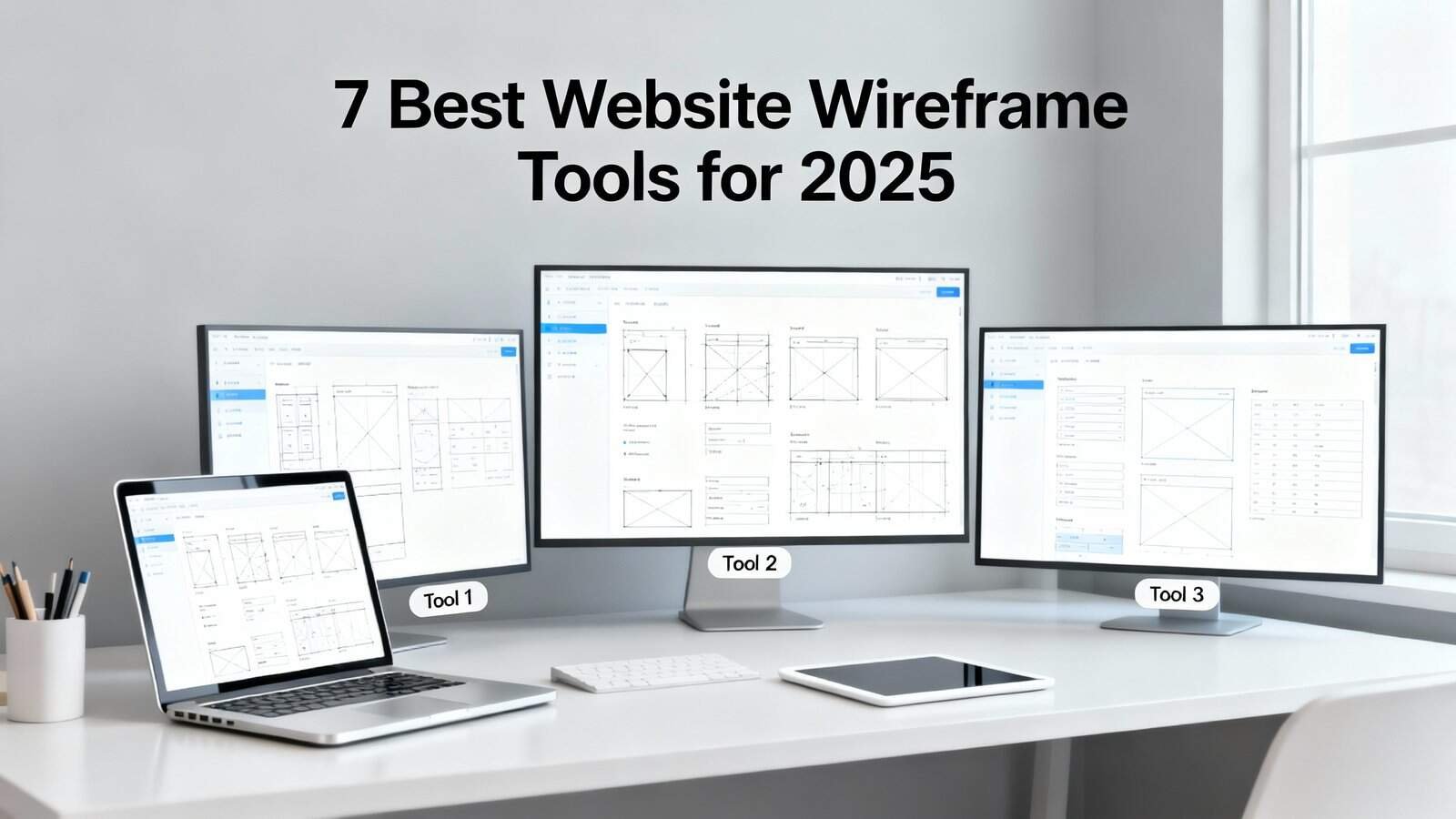
You’ll streamline your design workflow with these seven wireframing powerhouses: Figma leads with real-time collaboration and browser-based accessibility, while Sketch delivers Mac-native performance with extensive plugin ecosystems. Adobe XD excels at integrated design systems and automated prototyping, and Balsamiq specializes in rapid low-fidelity mockups that focus stakeholders on structure over aesthetics. Wireframe.cc offers distraction-free minimalism, MockFlow provides all-encompassing team suites, and Whimsical combines wireframing with visual planning capabilities. Each tool’s unique strengths address specific project requirements and team dynamics.
Key Takeaways
- Figma leads with browser-based real-time collaboration, enabling simultaneous editing, instant prototyping, and automatic developer handoffs without software installation.
- Sketch offers Mac-native performance with extensive plugin ecosystem, customizable shortcuts, and robust symbol libraries ideal for large-scale wireframing projects.
- Adobe XD provides integrated design systems with synchronized component libraries, automated prototyping behaviors, and responsive wireframes across multiple breakpoints.
- Balsamiq specializes in rapid low-fidelity mockups with hand-drawn aesthetics that emphasize structure over visual details during early design phases.
- Wireframe.cc and MockFlow deliver minimalist browser-based solutions with instant access, auto-save functionality, and comprehensive team collaboration features.
Figma – The Industry Standard for Collaborative Design

Figma consistently leads the wireframing industry by combining powerful design capabilities with seamless real-time collaboration. You’ll find its browser-based platform eliminates software installation hassles while enabling instant team access to your wireframes.
The tool’s component libraries feature streamlines your workflow by creating reusable design elements. You can build all-encompassing design systems that maintain consistency across multiple wireframes and projects. When you update a component, changes automatically propagate throughout your entire design.
Figma’s real time prototyping functionality transforms static wireframes into interactive experiences. You’ll create clickable prototypes that demonstrate user flows and interactions without additional tools. Team members can simultaneously edit wireframes, leave contextual comments, and iterate designs instantly.
The version control system tracks every change, letting you revert to previous iterations effortlessly. You’ll appreciate the developer handoff features that generate CSS code and export assets automatically. Figma’s robust plugin ecosystem extends functionality, making it adaptable to your specific wireframing requirements.
Sketch – Mac-Native Power Tool for Professional Designers
While browser-based solutions dominate the collaborative design space, Mac users often prefer native applications that leverage their system’s full potential. Sketch delivers exactly that—a purpose-built wireframing tool that guarantees macOS performance and integrates seamlessly with your workflow.
Sketch stands as the premier native Mac wireframing solution, delivering unmatched system performance and seamless workflow integration.
You’ll appreciate Sketch’s extensive shortcut customization options, allowing you to create personalized key combinations that accelerate your design process. The application’s native Retina support guarantees your wireframes display with pixel-perfect clarity across all Apple devices, maintaining design fidelity throughout your workflow.
Sketch’s robust plugin ecosystem extends functionality beyond core features, offering specialized wireframing tools, automated layout generators, and design system integrations. You can implement sophisticated version control through Git-based plugins, enabling systematic tracking of design iterations and collaborative workflow management.
The application excels at creating scalable symbol libraries and reusable component systems, making it particularly valuable for large-scale wireframing projects requiring consistent design patterns.
Adobe XD – Complete Design System Integration
Adobe XD transforms wireframing workflows by embedding complete design system functionality directly into your creative process. You’ll leverage component libraries that automatically sync across your entire project, ensuring consistency while accelerating development timelines.


The platform’s prototyping automation eliminates manual linking between screens, letting you define interactive behaviors once and apply them systematically. You can create responsive wireframes that adapt to multiple breakpoints simultaneously, reducing design iteration cycles.
Key advantages for wireframe development:
- Component-driven architecture – Build reusable UI elements that update globally across all artboards
- Voice prototyping integration – Test conversational interfaces directly within your wireframe environment
- Developer handoff automation – Generate CSS, measurements, and assets automatically from wireframe components
You’ll appreciate XD’s cloud-based collaboration features that enable real-time feedback collection during wireframe reviews. The Creative Cloud integration streamlines asset workflows between Photoshop, Illustrator, and After Effects, maintaining design fidelity throughout your wireframe-to-prototype pipeline.
Balsamiq – Rapid Low-Fidelity Mockups Made Simple
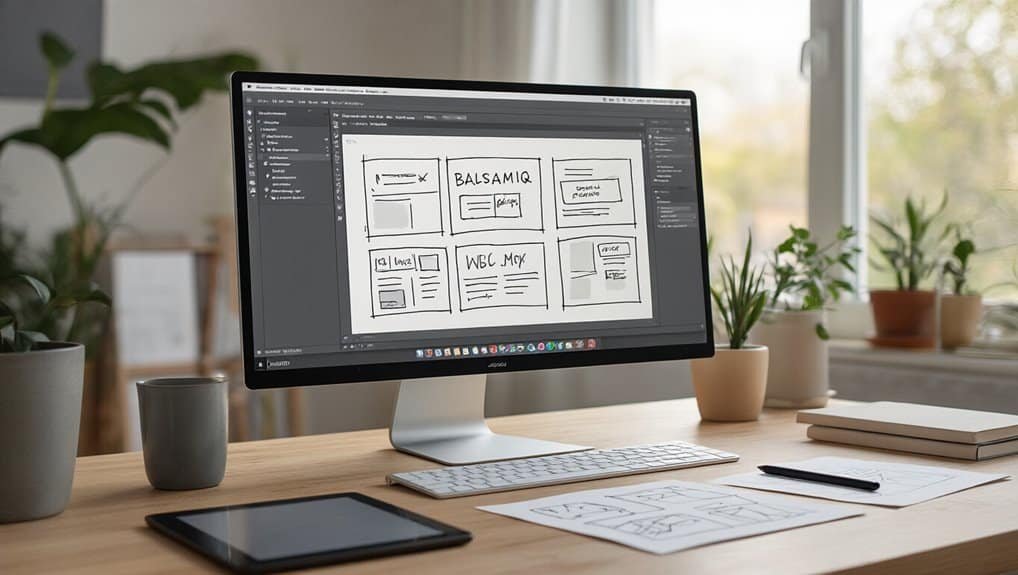
Balsamiq strips away design complexity to focus purely on wireframe structure and user flow validation.
Balsamiq eliminates visual distractions, letting teams concentrate on essential wireframe architecture and seamless user journey mapping.
You’ll work with intentionally sketch-like elements that prevent pixel-perfect obsession and keep stakeholders focused on functionality over aesthetics.
The tool’s built-in UI library contains standard web components you can drag and drop rapidly.
You’ll access frequent actions through gesture shortcuts, enabling faster mockup creation without menu navigation.
The hand-drawn visual style communicates “work in progress” effectively, reducing client feedback about colors and fonts.
Balsamiq’s linking feature lets you create clickable prototypes for user testing sessions.
You can export wireframes to PNG or PDF formats for documentation.

The platform includes accessibility testing reminders and alt-text prompts to guarantee inclusive design considerations from the start.
Cloud and desktop versions sync seamlessly, allowing offline work.
Real-time collaboration features enable multiple team members to contribute simultaneously, making it ideal for distributed teams requiring quick iteration cycles.
Wireframe.cc – Minimalist Browser-Based Wireframing
Wireframe.cc eliminates software downloads and complex interfaces by operating entirely within your browser. You’ll find yourself creating rapid sketches within seconds of accessing the platform, thanks to its streamlined approach that prioritizes functionality over visual bells and whistles.
The tool’s distraction free canvas lets you focus exclusively on structural elements without getting caught up in color schemes or typography choices. You’ll work with basic shapes, lines, and text blocks to map out your website’s core functionality and user flow.
Key features that streamline your wireframing process:
- Instant access – No registration required to start wireframing immediately
- Auto-save functionality – Your work saves automatically as you create
- Share via URL – Generate shareable links for client reviews and team collaboration
You’ll appreciate how Wireframe.cc strips away unnecessary complexity, allowing you to iterate quickly on layout concepts and structural decisions without technical barriers slowing down your creative process.
MockFlow – All-in-One Design Suite for Teams
MockFlow transforms your wireframing process into a all-encompassing team-based design environment where you’ll collaborate seamlessly with stakeholders across multiple project phases.
You’ll streamline your workflow through integrated design systems that connect wireframing, prototyping, and documentation within a single platform.
The tool’s real-time collaboration features let you assign tasks, gather feedback, and maintain version control while your team works simultaneously on complex design projects.

Collaborative Design Features
When design teams spread across different locations and time zones, maintaining seamless collaboration becomes critical for project success. MockFlow’s collaborative features make sure you’re never working in isolation, enabling smooth coordination across your entire design process.
The platform’s real time prototyping capabilities allow multiple team members to work simultaneously on wireframes while seeing changes instantly. You’ll eliminate version conflicts and communication gaps that typically plague distributed teams.
MockFlow’s collaboration toolkit includes:
- Live editing sessions with cursor tracking and instant updates across all connected devices
- Granular access controls for managing permissions at project, page, and component levels
- Integrated feedback system with threaded comments, annotations, and approval workflows
You can assign specific roles, control editing permissions, and track revision history to maintain project integrity while fostering productive teamwork.
Team Workflow Integration
Beyond individual collaboration features, effective design teams require seamless integration with their existing development and project management workflows. MockFlow delivers exhaustive workflow integration that connects your wireframing process directly with popular project management platforms like Jira, Trello, and Asana. You’ll streamline handoffs between designers, developers, and stakeholders through automated sync capabilities that update project status across all connected tools.
The platform’s role based permissions guarantee team members access only relevant design elements and approval stages. You can establish custom approval chains with real time approvals that automatically notify stakeholders when wireframes require review. MockFlow’s API integration capabilities allow you to embed wireframing directly into your existing development pipeline, eliminating context switching and maintaining project momentum throughout your design-to-development process.
Whimsical – Visual Workspace for Creative Planning
You’ll find Whimsical’s interface prioritizes visual clarity with drag-and-drop components, smart alignment guides, and rapid prototyping capabilities that streamline your wireframing process.
The platform’s real-time collaboration features let you work simultaneously with team members, share instant feedback through comments, and maintain version control across all project iterations.
Your team can leverage integrated workflows that connect wireframes directly to flowcharts, mind maps, and documentation within a unified workspace.
Intuitive Design Interface Features
Since effective wireframing depends on seamless interaction between your ideas and the design canvas, Whimsical’s interface prioritizes intuitive navigation that eliminates friction from your creative process. You’ll discover gesture controls that respond naturally to pinch-to-zoom, drag-and-drop positioning, and multi-touch selections across devices. The platform excels at microinteractions mapping, providing immediate visual feedback when you hover over elements, resize components, or establish connections between wireframe sections.
The interface streamlines your workflow through:
- Smart snapping grids that automatically align elements without manual positioning
- Context-sensitive toolbars that surface relevant options based on selected objects
- Real-time collaboration cursors that display teammate actions without visual clutter
You’ll maintain focus on design decisions rather than wrestling with complex menus or buried functionality, enabling rapid iteration from concept to detailed wireframe.
Collaborative Team Workflows
Teams can break down silos and accelerate design decisions when they harness Whimsical’s real-time collaborative environment for wireframe development. You’ll enable seamless cross functional sync by inviting developers, product managers, and stakeholders directly into your wireframe workspace. Multiple team members can edit simultaneously while viewing live cursor movements and instant updates.
The platform’s commenting system lets you tag specific elements and thread discussions around design choices. You’ll streamline feedback loops through built-in approval workflows that track revision history automatically. Real time prototyping becomes effortless when your entire team contributes simultaneously rather than passing files between departments.
Whimsical’s permission controls guarantee appropriate access levels while maintaining project security. Integration with Slack and project management tools keeps everyone synchronized throughout the wireframing process.
Frequently Asked Questions
What’s the Difference Between Wireframes, Mockups, and Prototypes?
You’ll use wireframes as low fidelity layouts showing basic structure and content placement.
Mockups add visual design elements like colors, fonts, and images to your wireframes.
Prototypes incorporate interaction mapping, allowing you to test user flows and functionality.
Think of wireframes as blueprints, mockups as detailed designs, and prototypes as working models you can click through to validate your design decisions.
How Much Should I Budget for Wireframing Tools Annually?
You’ll spend $0-$600 annually depending on your needs. Free tools like Figma’s basic plan work for individuals, while professional subscription tiers range $100-$300 yearly. Enterprise solutions cost $300-$600+ with advanced collaboration features. Consider team discounts when scaling—most platforms offer 20-40% savings for multiple users.
Factor in your team size, project complexity, and required integrations when selecting your tier. Start with free versions to test workflows before committing to paid subscriptions.
Can Wireframes Be Automatically Converted Into Working Code?
Yes, you can convert wireframes into working code using AI-generated tools, though results vary by fidelity transfer quality.
Modern platforms produce native code from your designs, enabling rapid prototyping workflows. However, you’ll need human-reviewed refinement since automated conversion often requires manual optimization for production-ready applications.
Higher-fidelity wireframes generally yield better initial code output, but expect iterative development cycles.
What File Formats Do Most Wireframing Tools Export To?
You’ll find most wireframing tools offer export options including PNG, JPG, PDF, SVG, and HTML/CSS formats.
Professional tools like Figma and Sketch provide JSON exports for developer handoff, while Axure generates interactive HTML prototypes.
For asset organization, you can typically export individual components or complete wireframe sets.
SVG formats preserve vector quality, while PDF exports maintain your wireframe’s layout structure for client presentations and documentation.
How Long Does It Typically Take to Learn Wireframing Fundamentals?
You’ll master wireframing fundamentals within 2-4 weeks with consistent daily practice.
The learning curve steepens initially as you grasp layout principles and user flow concepts.
Dedicate 30-60 minutes to structured practice exercises focusing on information hierarchy and component placement.
Your skill retention improves markedly when you wireframe real projects rather than theoretical scenarios.
Most designers achieve proficiency in basic wireframing techniques within these timeframes through systematic practice.
Conclusion
You’ve explored seven powerful wireframing tools, each serving distinct design workflows. Choose Figma for collaborative projects, Sketch for Mac-based teams, or Adobe XD for all-encompassing design systems. If you’re prototyping quickly, select Balsamiq or Wireframe.cc for simplicity. For enterprise teams, MockFlow delivers complete functionality, while Whimsical excels at creative planning. Evaluate your team’s platform preferences, collaboration requirements, and fidelity needs before committing. Start with free trials to test integration with your existing design workflow.
Table of Contents
- 1 Key Takeaways
- 2 Figma – The Industry Standard for Collaborative Design
- 3 Sketch – Mac-Native Power Tool for Professional Designers
- 4 Adobe XD – Complete Design System Integration
- 5 Balsamiq – Rapid Low-Fidelity Mockups Made Simple
- 6 Wireframe.cc – Minimalist Browser-Based Wireframing
- 7 MockFlow – All-in-One Design Suite for Teams
- 8 Whimsical – Visual Workspace for Creative Planning
- 9 Frequently Asked Questions
- 9.1 What’s the Difference Between Wireframes, Mockups, and Prototypes?
- 9.2 How Much Should I Budget for Wireframing Tools Annually?
- 9.3 Can Wireframes Be Automatically Converted Into Working Code?
- 9.4 What File Formats Do Most Wireframing Tools Export To?
- 9.5 How Long Does It Typically Take to Learn Wireframing Fundamentals?
- 10 Conclusion








No Comments