
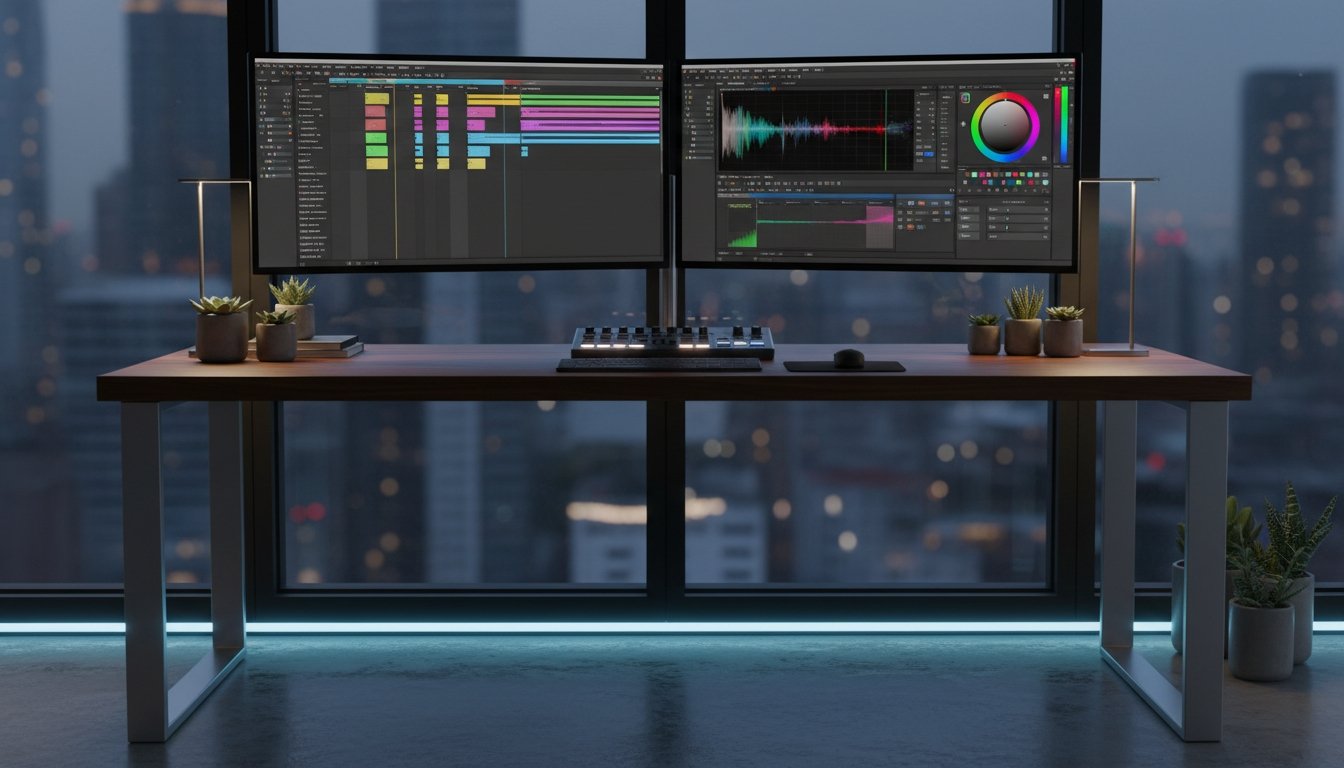
Pro Quality Video Editing Tools You’ll Master in a Weekend
You’ll master the pro-quality video editing tools you need to elevate your visual storytelling in a single weekend. Start by arranging your shots in a logical order, then explore color grading and compositing techniques to make your footage stand out. Streamline your workflow with customized tools and shortcuts for speed and quality. Unleash your creative potential and leave a lasting impression on your audience. There’s more where that came from.
Key Takeaways
- Arrange footage in a logical sequence to guide viewers through the story, using smooth transitions and pacing to build momentum.
- Master color grading basics like white balance, exposure, and contrast, then explore advanced techniques like secondary corrections and creative LUTs.
- Leverage layering, masking, and keying to seamlessly integrate multiple visual elements, including motion graphics and 3D effects.
- Implement dynamic motion graphics and visual effects to elevate production value and leave a lasting impression on audiences.
- Streamline the editing workflow by customizing the workspace, automating repetitive tasks, and utilizing templates and presets for efficiency.
Mastering the Timeline: Sequence Your Shots Like a Pro
How do you sequence your shots like a pro on the timeline? It’s all about the flow. Arrange clips in a logical order that guides the viewer through your story seamlessly. Start strong with an engaging opening, then use smooth transitions to build momentum. Master pacing – linger on key moments, but don’t let it drag.
Experiment with parallel action, intercutting, and other advanced techniques. Pay close attention to the rhythm; each clip should complement the next. With practice, you’ll develop an intuitive feel for the timeline, shaping your footage into a polished, professional video.
Color Grading Secrets: Elevate Your Video With Advanced Techniques
Do you want to elevate your video with advanced color grading techniques? You’re in luck! Color grading can transform your footage, adding depth, mood, and cinematic flair. Start by mastering the basics – adjust the white balance, tweak the exposure, and dial in the contrast. Then, dive into secondary color corrections. Use power windows to isolate specific areas and make targeted adjustments.
Experiment with color wheels and curves to fine-tune hues and saturation. Don’t be afraid to get creative – try out split-toning, color matching, and creative LUTs. With practice, you’ll achieve professional-level results. Unlock your video’s full potential through the power of color grading.
Compositing and Visual Effects: Unlock Your Creative Potential
Compositing and visual effects can elevate your video projects to new heights. With the right tools, you’ll seamlessly integrate elements, creating stunning visuals that captivate your audience. Harness the power of layering, masking, and keying techniques to composite multiple footage sources effortlessly.
Delve into the world of motion graphics and bring your ideas to life with dynamic text animations and eye-catching graphics.
Experiment with particle effects, 3D elements, and green screen footage to inject a touch of magic into your videos.
Unleash boundless creative possibilities and elevate your production value. Master these advanced techniques, and your videos will stand out, leaving a lasting impression on everyone who watches.
Streamlining Your Workflow: Tips for Efficient Pro-Level Editing
Streamlining your video editing workflow is key to achieving professional-grade results efficiently. By implementing these four tips, you’ll be able to optimize your process and produce high-quality videos in less time:


- Customize your workspace: Organize your editing tools, create keyboard shortcuts, and tailor the interface to your needs, so you can work seamlessly.
- Batch process tasks: Group similar actions, like color corrections or audio mixing, and complete them simultaneously to save time.
- Utilize templates and presets: Leverage pre-built templates for elements like titles, transitions, and animations to speed up your workflow.
- Embrace automation: Explore features like automatic stabilization, scene detection, and intelligent masking to automate repetitive tasks.
Applying these strategies will help you streamline your video editing process, allowing you to focus on the creative aspects of your projects.
Frequently Asked Questions
What Is the Best Video Editing Software for Beginners?
The best video editing software for beginners is probably Wondershare Filmora. It’s user-friendly, has a simple interface, and offers a range of features that’ll let you create professional-looking videos without a steep learning curve. You can easily trim, splice, and add effects to your footage, and it’s compatible with a variety of file formats. With Filmora, you’ll be editing like a pro in no time.
How Much Does Professional-Grade Video Editing Software Cost?
Professional-grade video editing software can cost anywhere from $99 to $599 or more. Adobe Premiere Pro, one of the industry-leading options, retails for $20.99 per month with an annual subscription. Other high-end tools like Final Cut Pro and DaVinci Resolve can range from $299 to $499 for a one-time purchase. The exact cost will depend on the software’s features, capabilities, and your specific needs as a video editor.
Can I Use Video Editing Software on a Low-End Computer?
You can use video editing software on a low-end computer, but you’ll likely experience slower performance and limited functionality.
Many modern video editing tools are optimized for more powerful systems, so you may need to adjust your expectations or consider upgrading your hardware if you want a smoother, more seamless editing experience.
What Are the System Requirements for High-Performance Video Editing?
To handle high-performance video editing, you’ll need a computer with a powerful processor, ample RAM, and a dedicated graphics card. Look for at least an Intel Core i5 or AMD Ryzen 5 CPU, 8GB of RAM or more, and a NVIDIA or AMD graphics card with at least 4GB of video memory. This setup will provide the muscle needed for smooth playback, real-time effects, and seamless rendering.
How Long Does It Take to Learn Professional Video Editing Skills?
It typically takes several weeks to a few months to learn professional video editing skills, depending on your prior experience and the time you dedicate to it.
With a focused effort and the right tools, you can develop these skills in as little as a weekend.
The key is to practice regularly, experiment with different techniques, and be willing to learn from your mistakes.
Conclusion
You’ll be editing videos like a pro in no time. Mastering the timeline, color grading, compositing, and streamlining your workflow are the keys to elevating your videos. Immerse yourself, practice the techniques, and you’ll unleash your creative potential. With these pro-quality video editing tools, you’ll be creating stunning visuals in a weekend.

Table of Contents
- 1 Key Takeaways
- 2 Mastering the Timeline: Sequence Your Shots Like a Pro
- 3 Color Grading Secrets: Elevate Your Video With Advanced Techniques
- 4 Compositing and Visual Effects: Unlock Your Creative Potential
- 5 Streamlining Your Workflow: Tips for Efficient Pro-Level Editing
- 6 Frequently Asked Questions
- 6.1 What Is the Best Video Editing Software for Beginners?
- 6.2 How Much Does Professional-Grade Video Editing Software Cost?
- 6.3 Can I Use Video Editing Software on a Low-End Computer?
- 6.4 What Are the System Requirements for High-Performance Video Editing?
- 6.5 How Long Does It Take to Learn Professional Video Editing Skills?
- 7 Conclusion






No Comments